AI is the new engine of productivity and creativity. Paytaca breaks down the barriers to accessing its full potential, empowering anyone, anywhere, to create, build, and innovate with the world’s most powerful AI models.
Paytaca AI runs the open-weight models behind coding agents, research digests, and long-form writing — and generates image, video, and speech. Top up your wallet, then spend them wherever the work happens.
Coding
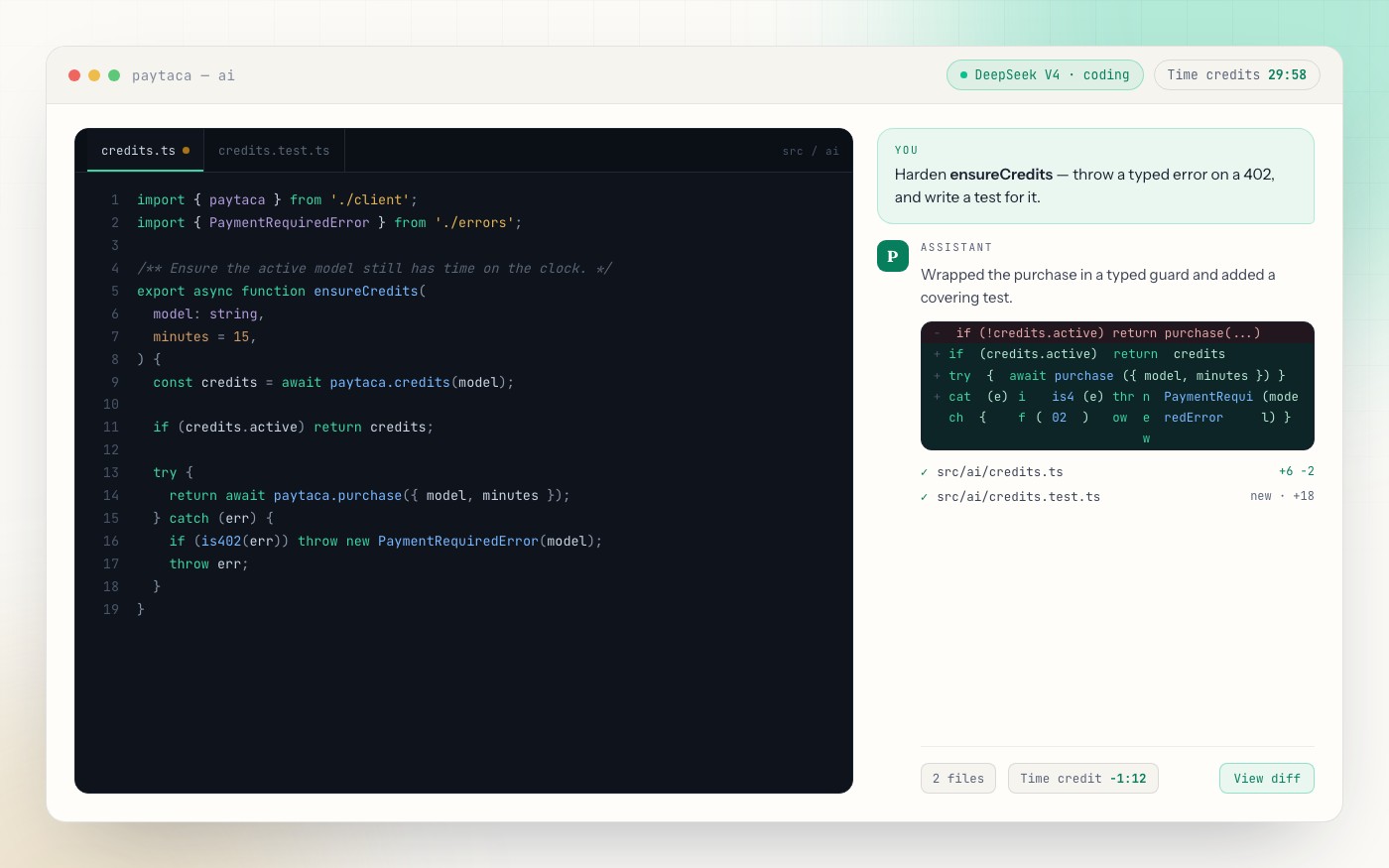
Pair on real code — read a codebase, generate tests, refactor across files, and debug with strong open-weight coding models, straight from your agent or CLI.
Prompt your agent over MCP, drop to the CLI, or open the local web UI — same wallet behind all three.
Ways to use it
Prompt your agent. Or drop to the CLI. Or open the web UI.
Paytaca AI runs as a local MCP server, so the default way to use it is to just ask your coding agent — in plain language. Prefer direct control? Every action is also a CLI command. And paytaca web opens a local web interface for your wallet, swaps, and AI. Same wallet behind all three.
default
MCP — prompt your agent
Point opencode, pi, or omp at the local MCP server and ask in plain language. The agent reads balances, buys plans, tops up, arms auto-refill, and generates media for you — no commands to memorize.
one-step setup
then just ask
CLI — run it directly
Full control from the terminal, and scriptable. Buy plans, top up, arm auto-refill, swap BCH for LIFT, and generate image, video, and audio.
buy a plan
generate media
local
Web UI — point and click
Prefer a mouse? paytaca web launches a local web interface for your wallet, swaps, and AI, then opens it in your browser. Nothing is hosted, and there's nothing to sign up for.
launch
opens http://localhost:7474 · --port to change · --chipnet for testnet
Whichever way you drive it, inference is paid with time credits — prepaid in blocks of 15, 30, or 60 minutes and used up only while a model is running.
Time credits
AI inference billed by time credits.
Buy consumable time credits for a model — purchasable in blocks of 15, 30, or 60 minutes — with Bitcoin Cash or LIFT, and use them up as you work. No per-token metering, no monthly subscription, no surprise at the end of the month. Want one balance for every model instead? Use pay-as-you-go.
15 min30 min60 minlonger plans cost less per minute
Time credits cover text & code inference only. Media generation — image, video, and audio — is paid on-chain in BCH and is not covered by time credits. See media generation.
session
paytaca — ai
time credits29:12 remaining
x402paid · 291,586 sats
buy time creditslonger plans cost less per minute
models live pricing
selected model
DeepSeek V4.1 Flash
deepseek/deepseek-v4.1-flash
BCH price$0.40
with LIFT · 10% off$0.36
interface
One active session per model · statuses active / exhausted / expired
One prepaid USD balance across every model — the alternative to per-model plans, and the fallback when a model's credits run out.
Pay as you go
One balance. Every model.
If time credits are an added hassle, you can pay as you go: top up a single prepaid USD balance and spend it across every model on the gateway, with no per-model plan to pick. It's still prepaid — fund it with BCH or LIFT, and each request draws the balance down. When a model already has active time credits, those are used first.
top upmin $1
interface
Pay in BCH, or add --lift to pay with LIFT tokens and take the discount on the same top-up.
never run dry
Pay-as-you-go auto-refill tops the balance back up whenever it falls below your threshold, spending no more than your ceiling.
Time credits or balance
Two prepaid ways to run the same models.
Time creditsPay as you go
ScopeOne model per planEvery model on the gateway
How it chargesFlat price for 15, 30, or 60 minDraws down by real usage
Best forSteady work on a favourite modelTrying models and mixed workloads
PaymentBCH or LIFT (10% off)BCH or LIFT (10% off)
Both settle with BCH or LIFT · no accounts · no subscription · at most one active plan per model
Auto-refill
Out of time? It buys more for you.
Arm auto-refill once and Paytaca keeps the model running. When an active plan hits zero, it quietly buys another — same model, same plan size — and only ever spends up to the budget cap you set.
refill mode
interface
per modelArms one model at one plan size.
cappedStops at the --max-minutes you set.
silentBuys mid-session, without a prompt.
budget · DeepSeek V4.1 Flash60 / 120 min
30-minute blocks · 60 min of budget left before refills stop.
The same wallet that buys time credits also generates media. Each order is quoted in USD and settled on-chain in Bitcoin Cash, then the result streams back and is saved to your machine — with history and status commands for every job.
63 models
Image generation
Text-to-image with aspect ratio, resolution, and quality controls — plus reference images to edit or remix.
1:1 · 16:9 · 9:16
512 → 4K
low / medium / high
interface
saved to ~/.paytaca/images/
33 models
Video generation
Prompt-to-video with duration, resolution, and aspect controls, with optional generated audio and video references.
480p · 720p · 1080p
seconds of your choosing
audio on / off
interface
saved to ~/.paytaca/videos/
35 models
Audio (text to speech)
Turn text into speech with selectable voices, output format, and speaking speed.
multiple voices
mp3 / pcm
adjustable speed
interface
saved to ~/.paytaca/audio/
paid on-chain in BCHstreamed, not inlinehistory · status per jobreference images for image + videoimage · video · audio on MCP & CLI
Get started
Install paytaca-cli. Top up with Bitcoin Cash. Put AI to work.
Prompt your agent over MCP, drive the CLI, or use the local web UI — install it, create a wallet, send BCH, and buy time credits (or top up a pay-as-you-go balance). Then put it to work: coding, research, and writing, plus image, video, and audio generation paid on-chain in BCH. Node.js 20 or newer. macOS, Linux, and Windows, with your seed kept in the system keychain.
Pay in BCH, or pick the LIFT option to pay with LIFT tokens and take the discount on the same plan.
Optional · pay as you go instead of buying a plan
Top up a prepaid USD balance once and use it across every model. Usage draws it down; an active time plan always takes precedence. Add --amount to change the top-up size.
interface
Optional · swap BCH for LIFT and save 10%
LIFT-priced plans are discounted, so it can pay to convert first. Both directions go through the same command — this buys LIFT with BCH. Swap runs in the CLI and the web UI (paytaca web).
LIFT category · 5932b2fd4915d6a75d3ec53282cd49118149a2176ee67ed68b1111ff0786f7fcInstall from source
git clone https://github.com/paytaca/paytaca-cli.git
cd paytaca-cli && npm install
npm run build && npm link
first run · install → fund → buy → use
$ npm install -g paytaca-cli
✓installs the global paytaca command · Node.js 20 or newer
$ paytaca wallet create
✓generates a 12-word seed into your OS keychain — installing the CLI does not create a wallet for you
$ paytaca receive
✓shows your address + QR — send BCH here to fund it
$ paytaca ai balance
✓confirms the BCH landed (and lists any LIFT)
$ paytaca ai purchase --model deepseek/deepseek-v4.1-flash --minutes 15
✓buys 15 minutes of DeepSeek V4.1 Flash — add --lift to pay with LIFT
$ npm install -g opencode-ai
✓installs opencode — one of several agents that speak MCP
$ paytaca ai configure opencode
✓wires the Paytaca provider + MCP server into opencode — or drive the CLI / paytaca web directly
✓opencode is ready — pick a Paytaca AI model and start — code, research, write, or generate media